You know the job. Someone drops a hostname on your desk. No parent company. Brand nobody recognizes. Maybe a seller ID that doesn't line up with anything. You don't need a risk score yet. You need to know who else looks like this site. Same ads.txt. Same seats. Same cert. Same tracking IDs.
That first pass eats an afternoon. Download the files. Diff them. Chase IDs. Write a list. Notice a certificate you missed and start over. Connection report does that grind. Paste one hostname and you get related publishers, a brief you can actually read, and a graph. Paste a list you already suspect hangs together and we'll tell you what those hosts share, and whether they really cluster.
Leave the tab open
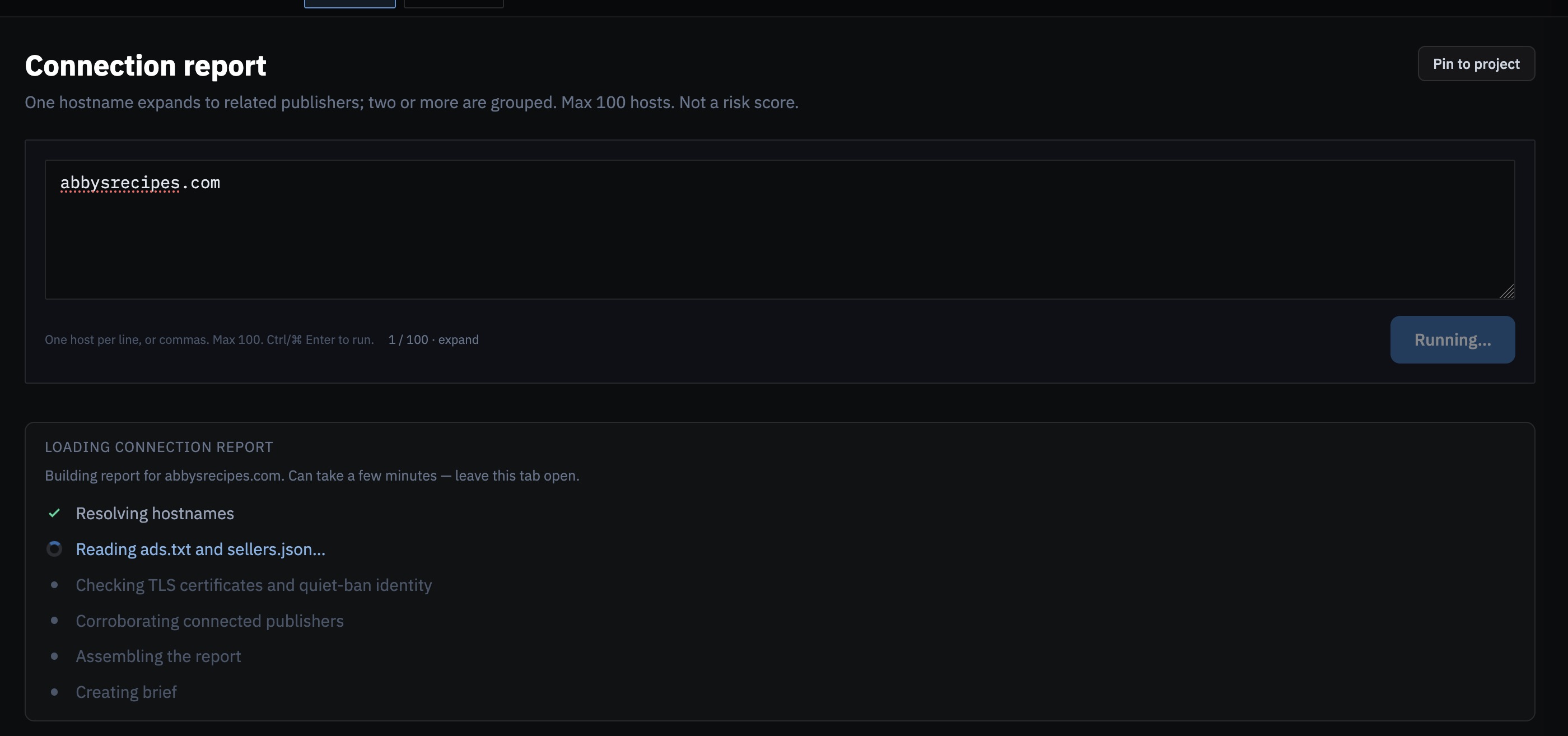
First run takes a minute or two. You'll see us resolve the hosts, read ads.txt and sellers.json, match tracking IDs from Ad+Privacy Metrics, check certificates and quiet-ban identity, then write the brief. Same wait pattern as Legal dossier: you wait, we chew through the corpus.
Then you've got something to work with
You land on Brief. Readable write-up. Cluster graph. Findings you can click. When two rare signals agree, we call that out. That's what you open first. Stuff that only lives on the seed stays in its own pile, so it doesn't look like a network.
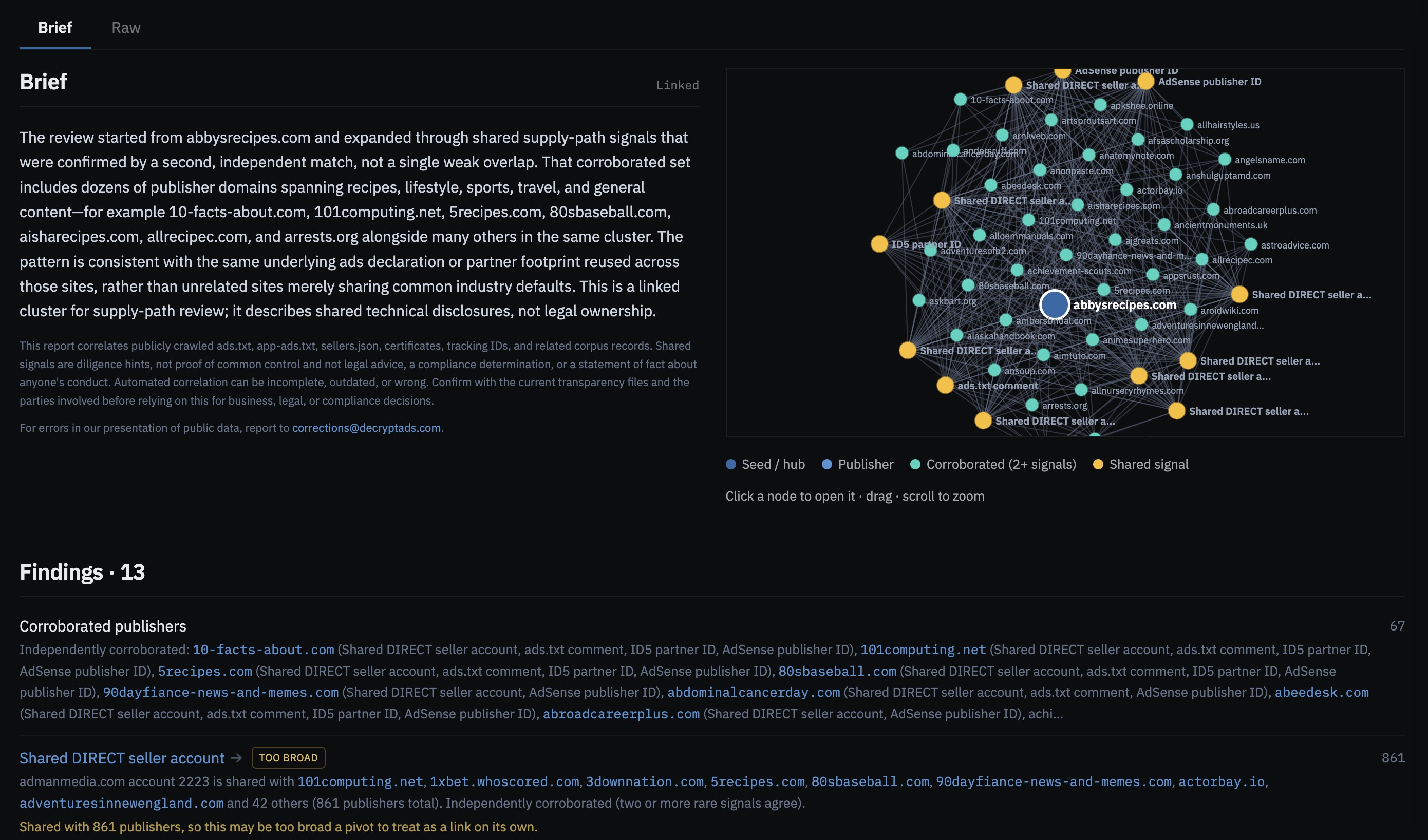
We are not handing you a verdict. A shared ads.txt can be the same operator, a shared CMS, or somebody who copied a file. Click the publisher pages. Prefer two signals over one wide one. Write down what you checked. You start from a map instead of a blank page. That's the win.
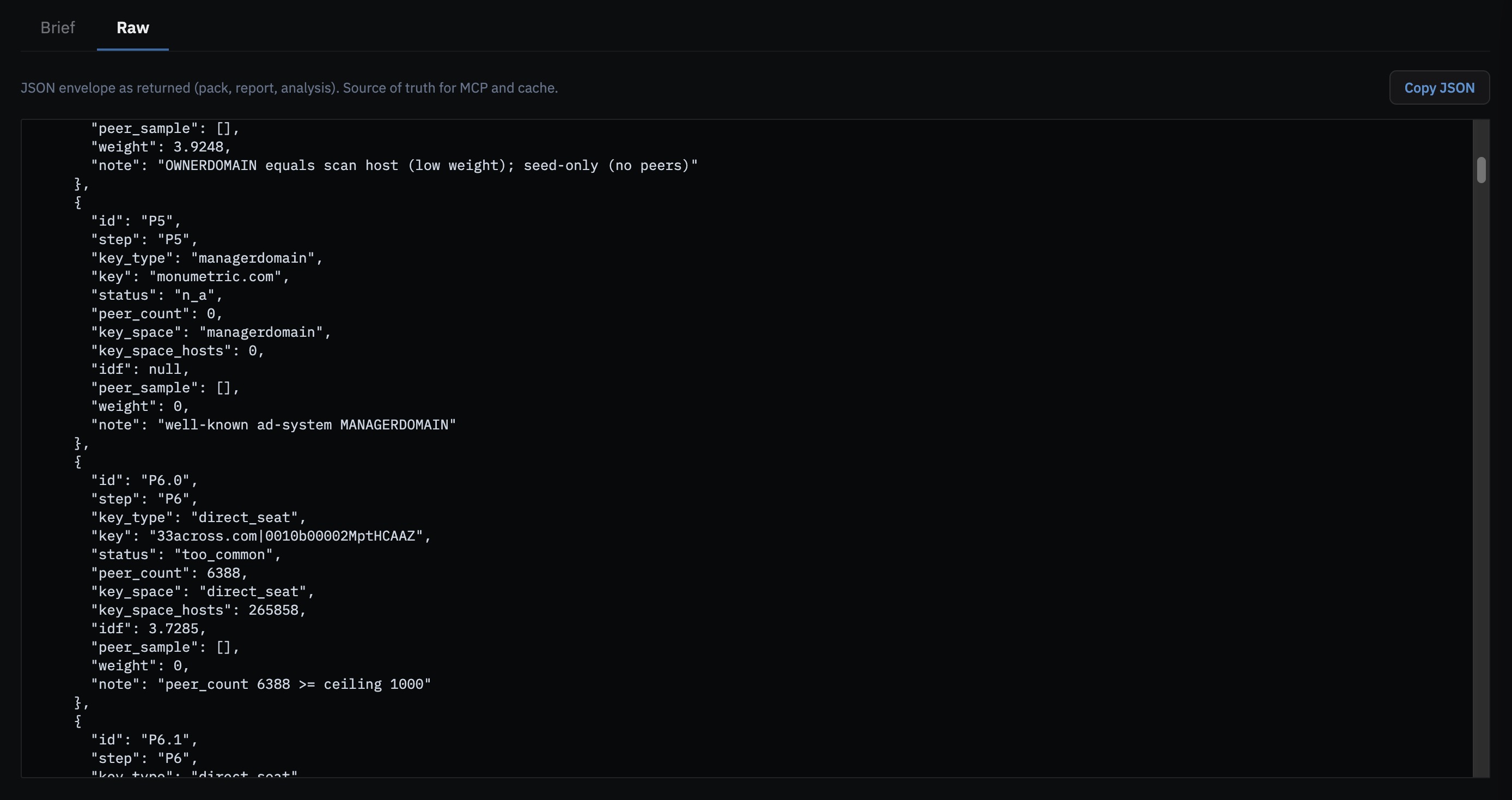
Need the data? It's on the next tab
Raw is the JSON as we returned it: connected hosts, the report, the brief. Same payload as the API and MCP, so you can pin the run, drop it into a script, or keep going without clicking around again.
One host, or a list
- One hostname. We hunt related publishers. That's the hours of first-pass work, done.
- Two or more. You already have a list. We look for the connections between them.
We look at identical ads.txt and app-ads.txt, partner sets, DIRECT seats, TAG patterns, tracking IDs, nameservers, TLS certs, quiet-ban identity. Super common keys get dropped. You don't want a graph that says "everyone on AdSense."
Go run it
Tools → Connection report
(decryptads.com/connections).
Also on the signed-in Dashboard. API
POST /api/analytics/connections/report.
MCP publisher_connection_report.
Researcher and enterprise accounts.
Already have a company name or ads ID? Run Legal dossier next to it. Risk scoring and agent lookups: analytical features, API, MCP.